HD, 2K or 4K photos
Up to 3840 × 3840 px, with the print resolution (72, 150 or 300 dpi) written into the file metadata: at 300 dpi a 4K image prints at about 32.5 cm per side.
Pick one of over 230 ready-made shapes or create the dieline from the product size, add your artwork and move on to shipper, display and pallet without losing dimensions, artwork or finishes. Then put everything in a scene and download images, videos and 3D models.
1 Ready-made shapes 230+ shapes
Pick the shape by category on the Home page: the 3D model builds itself from the dimensions you enter, with real seals, gussets, caps, folds and thicknesses.
Dimensions, shoulder, neck, cap, zip, valve, windows, handles: every shape has its own controls.
Cartons and boxes fold and open with a slider, just like the real dieline.
Caps, collars, zips, glass, contents, handles: every part has its own colour, as well as its artwork.
The inside of boxes is white, kraft, grey or any colour you choose, and takes its own print.
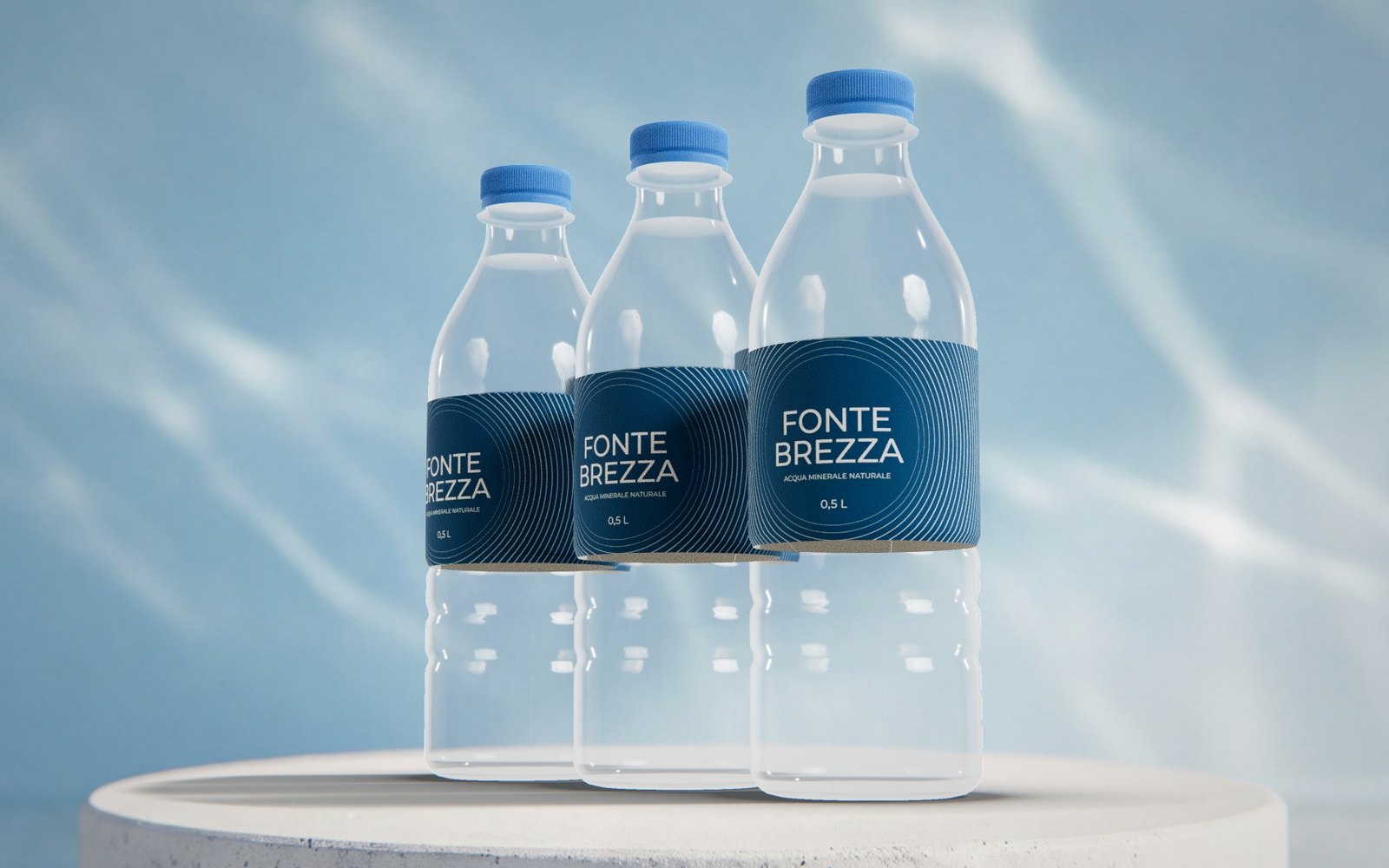
2 Dieline New
Start from what you have: the size of the product to pack, or the dieline your packaging converter has already sent you.
Enter the size of the product, square (W × D × H) or round (Ø × H), and the clearance to leave on each side: the inner dimensions of the box are the product plus the clearance, and the outer ones also allow for the board thickness. Pick the box type: as you change the values you see the flat dieline and the 3D box folding up.
Upload your converter's vector PDF: the app recognises cut lines, creases and panels and builds a 3D model that folds, with your artwork.
Indicative measurements: have them checked by your packaging converter, who must always confirm the production dieline.
No AI: only the lines and pixels of your file are used.
3 Pack
One editor: shape, dimensions and artwork in the same place, with the 3D preview always in front of you.
One file with every face, laid out on the shape's real dieline; the empty template with dimensions downloads as SVG.
One artwork for front, back, sides, labels, cap and lid foil, each with its own scale and position.
PNG, JPG or PDF; transparent areas take the colour of the part.
Matt or gloss paper, plastic, metallised, foil, varnished, with surface texture (grain) and artwork elements in gold, silver or copper.
Eight ready-made compositions: front and back, trio, row, stack, group, standing and lying.
The variants on the same dieline (flavours, colours, sizes) taken from your library: search, pick several at once or import them all in one click. In a row, as a staggered wall or in a grid, with the spacing you want; swap two variants by dragging them.
Width, depth and height callouts drawn on the 3D model while you adjust the shape.
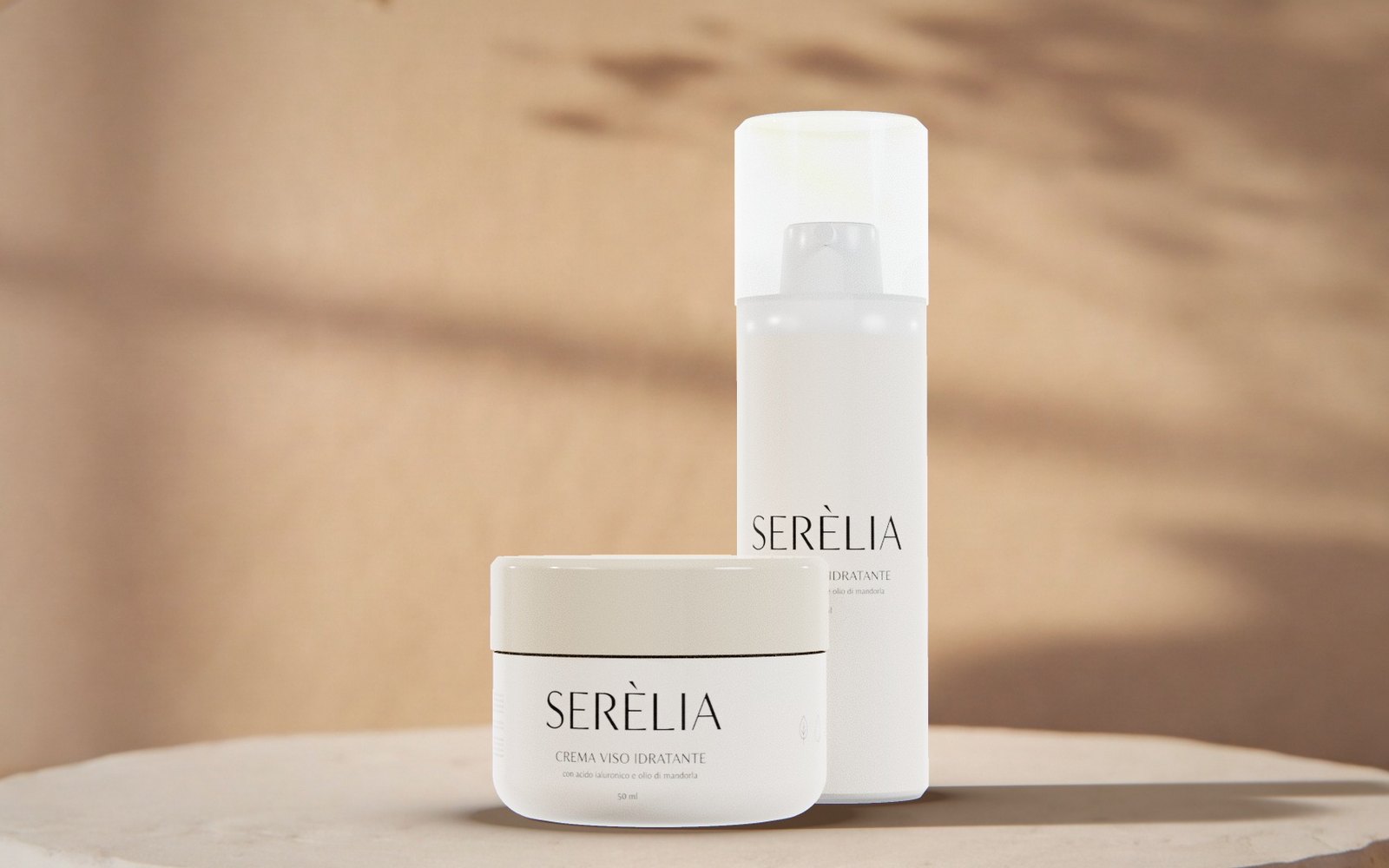
4 Shipper
Fourteen ready-made types, picked straight from the Home page: the pack arranges itself in rows, columns and layers.
Every face of the shipper takes its own artwork; the counter shows pieces per layer and pieces per case.
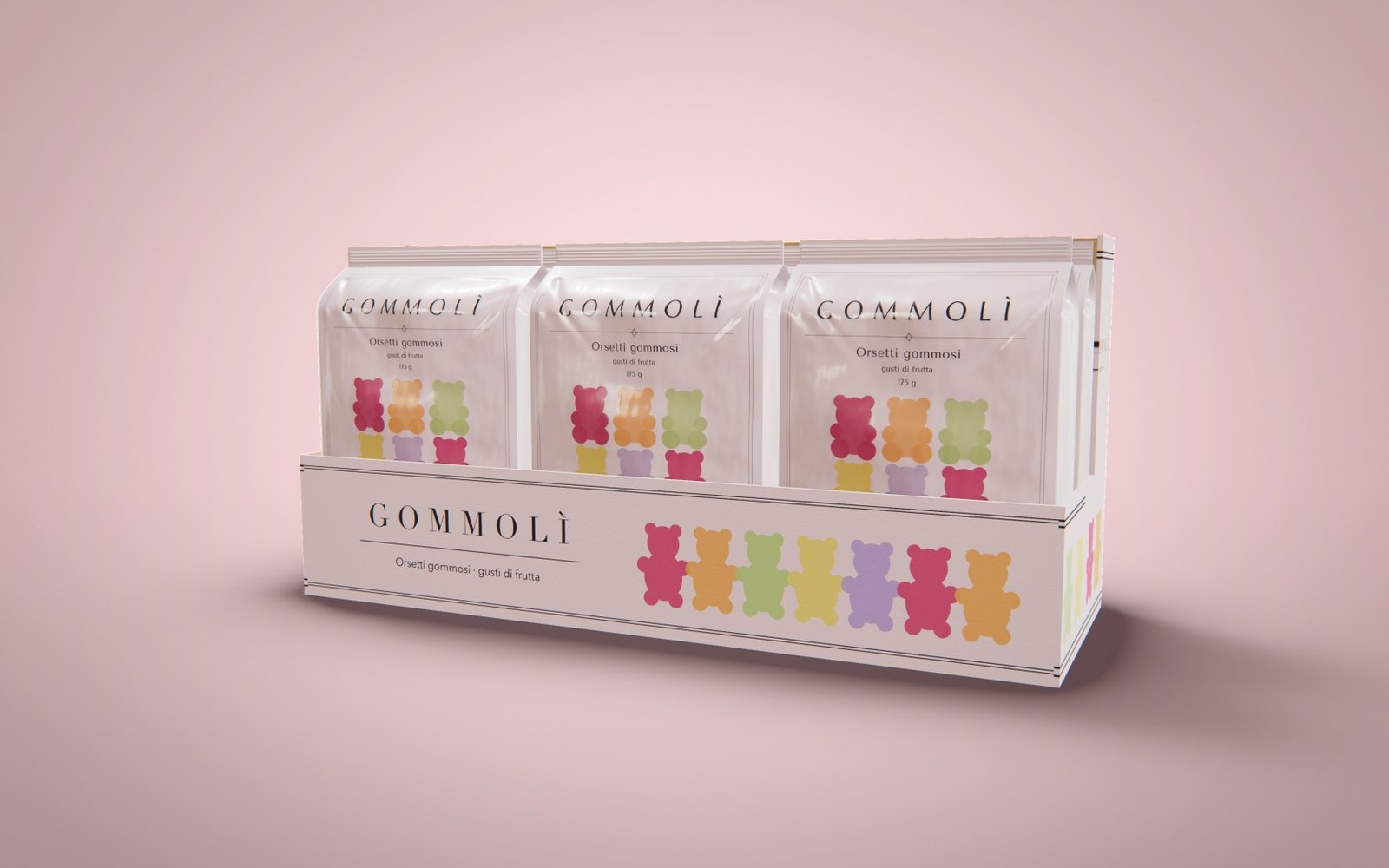
5 Display New models
Cardboard displays filled with your products straight from the Pack.
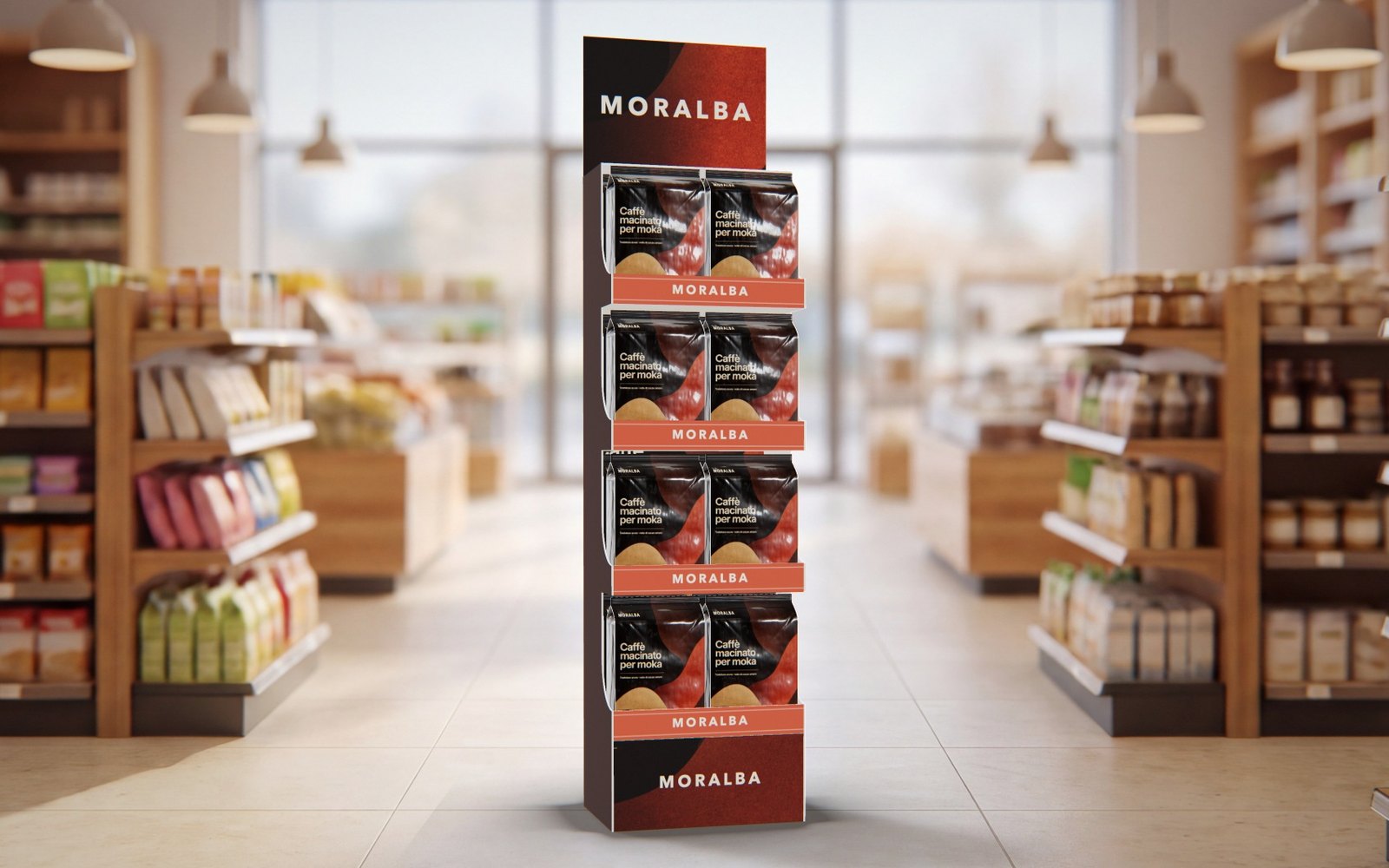
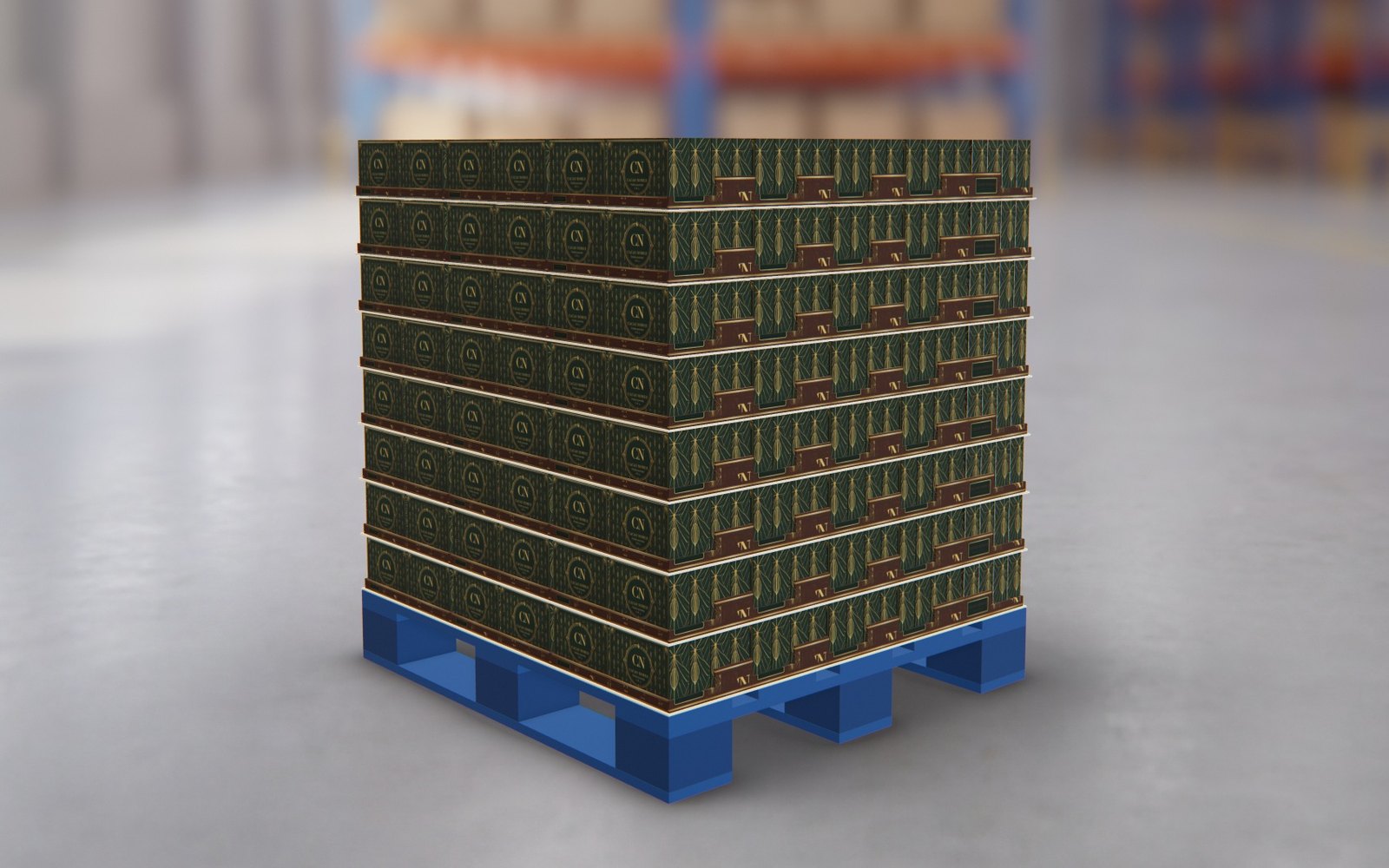
6 Pallet
The load as it will arrive at the store, at real dimensions.
7 Scene
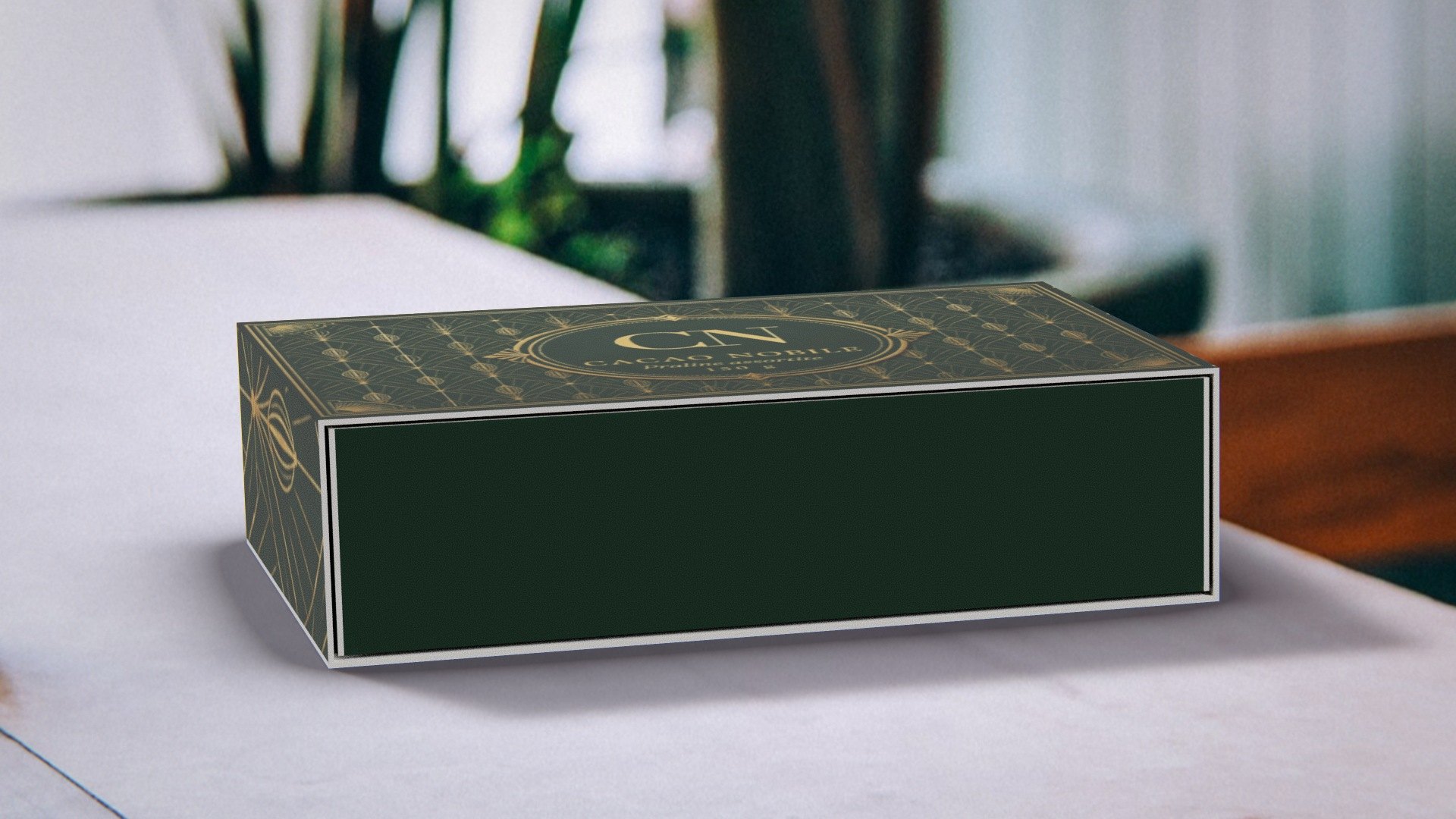
Packs, shippers, displays and pallets go into a scene without changing page.
8 Library
Everything you save is on the Home page, sorted by category. Your work saves itself.
In every configurator
The “📸 Shoot” button is always below the preview: choose size, print resolution and render, then what to download.
Up to 3840 × 3840 px, with the print resolution (72, 150 or 300 dpi) written into the file metadata: at 300 dpi a 4K image prints at about 32.5 cm per side.
“Realistic photo” simulates light as in a real photograph (path tracing): true reflections and soft shadows. “As you see it” downloads instantly, with the workspace lighting.
The 6 orthographic views, 3/4 right and left, from above, custom angles or angles copied from a photo.
The pack turning for 6 seconds, the e-commerce kit on white or transparent, and shots in social media formats.
.glb (binary glTF 2.0) with dimensions in centimetres, artwork and PBR materials, for other 3D software and the web; .usdz for augmented reality on iPhone and iPad and for Keynote.
An .html file that opens with a double click: your client turns and zooms the pack without installing anything.
With a subscription, downloads are unlimited. No credits, no quotas.
Getting started
No course needed: the app shows you how it's done, right where you need it.
The first time, a quick guide takes you from the Home page to your first photo: shape, dimensions, artwork, scene and shot. Replay it whenever you like from the menu.
At the bottom left of the 3D view: one click and it shows you, step by step, how to use the configurator you have open.
It runs in the browser, with nothing to install. On a smartphone the app adapts to the screen; for comfortable creating, a tablet or computer is best.
In every configurator
Fine-tune the render without switching to another program.
The default lighting was calibrated by measuring a test artwork, so that the colours of your file stay as close as possible to the original. Corrections apply to both the preview and the export.
In every configurator
Pick up where you left off, or start from a ready-made setup.
Where your data is saved
Your library, recent work and presets are saved in the cloud and also kept in your browser; .json files stay on your computer.
Nothing to install: open the app and pick a shape on the Home page.