Graphic designers
Show your client the finished pack while you are still working on the artwork, and fix things before it goes to print.
Choose the pack or create the dieline from the product size, upload your artwork and download photos, videos and 3D models for presentations, e-commerce, catalogues and logistics. From a single pack to a shelf-ready case and a display, all the way to a full pallet.
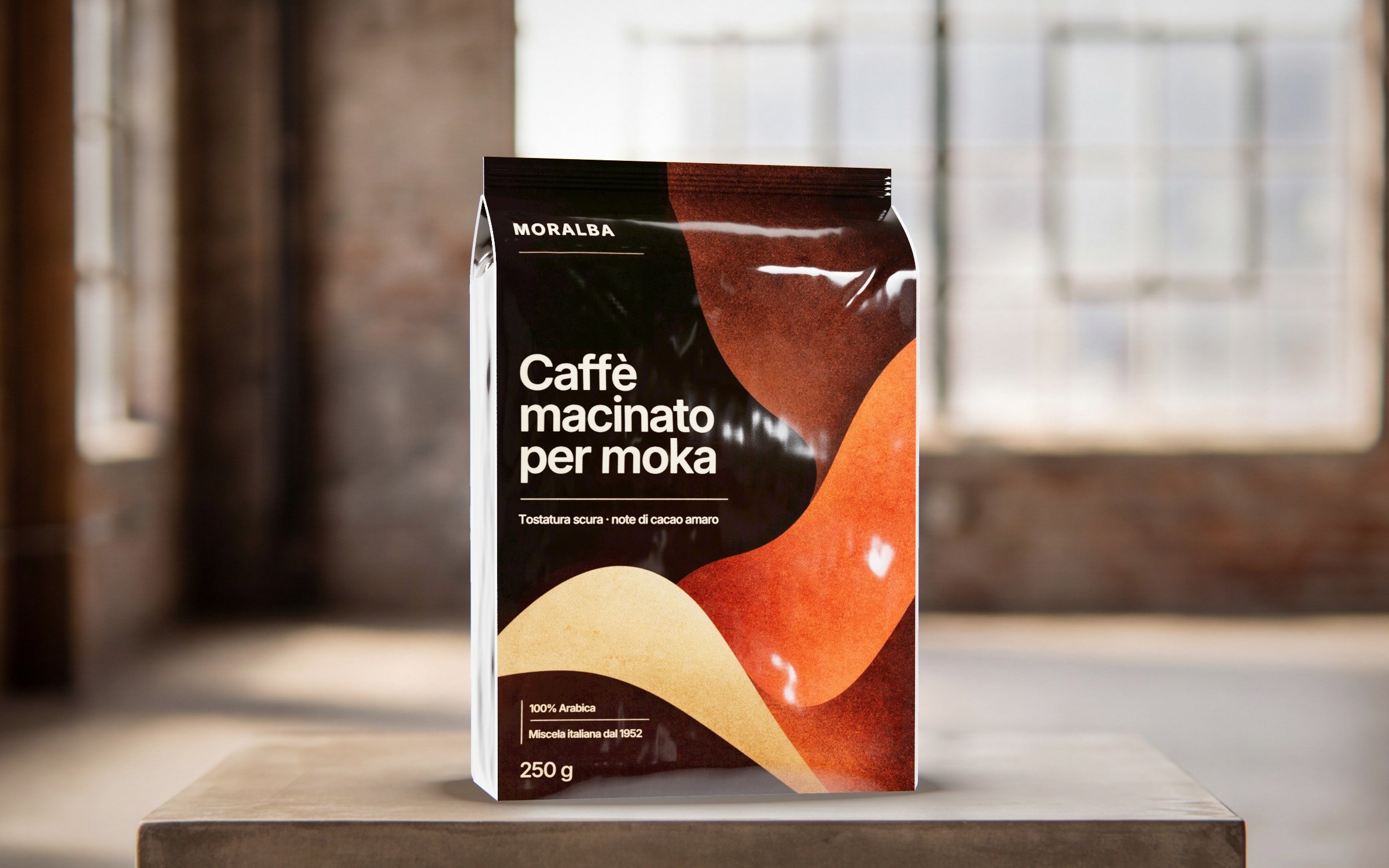
Show your client the finished pack while you are still working on the artwork, and fix things before it goes to print.
Present several proposals and the whole product line on the same day, with consistent renders across the project.
Images for catalogues, e-commerce, social media and sales presentations, even before the product exists.
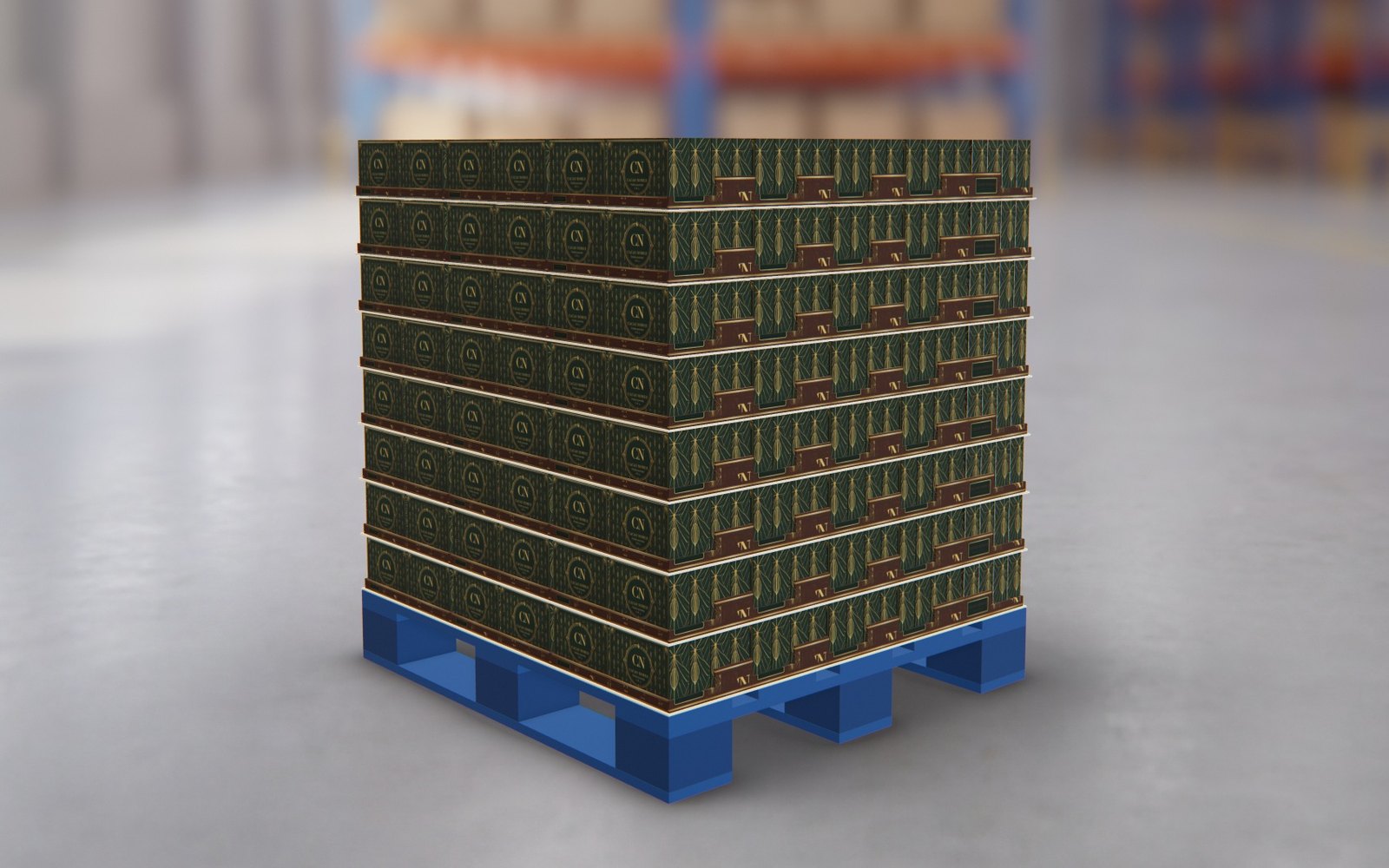
Visualise displays and pallets at real dimensions for buyers, logistics and points of sale.
Choose the shape from the Home page: pack, shipper, display and pallet are connected steps, and in each one the Scene tool turns the model into an image ready for presentations, catalogues and social media.
230+ ready-made shapes, a dieline calculated from the product size, your converter's PDF dieline or your own .glb. Each step hands the work on to the next: the pack you designed is exactly the one you find in the shipper, on the display and on the pallet.
Place the model on a real photo, a colour backdrop or a supermarket shelf, frame the shot and turn the pack with your mouse, then shoot in high resolution. Everything is computed in the app: the artwork stays identical to your file.
Each step does one thing and does it well. Use them in sequence or jump straight to the one you need.
1 Ready-made shapes
Pick the shape on the Home page and enter the dimensions: the model builds itself, complete with seals, gussets, zips, caps and folds.
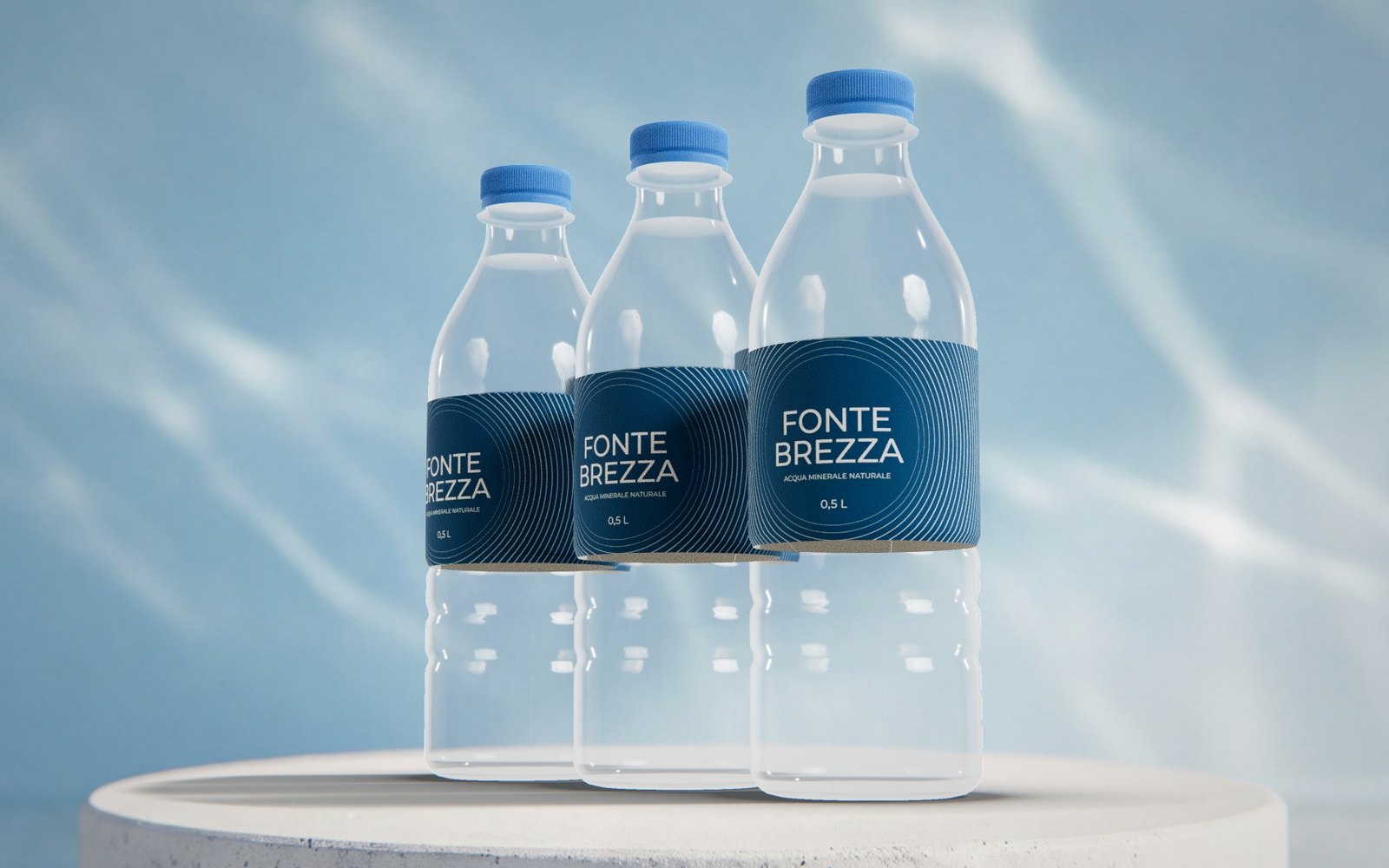
2 Dieline New
Enter the size of the product to pack, square (W × D × H) or round (Ø × H), and the clearance to leave on each side. Pick the box type: as you change the values you see the flat dieline and the box folding up in 3D.
Indicative measurements: have them checked by your packaging converter before production.
3 Pack and line
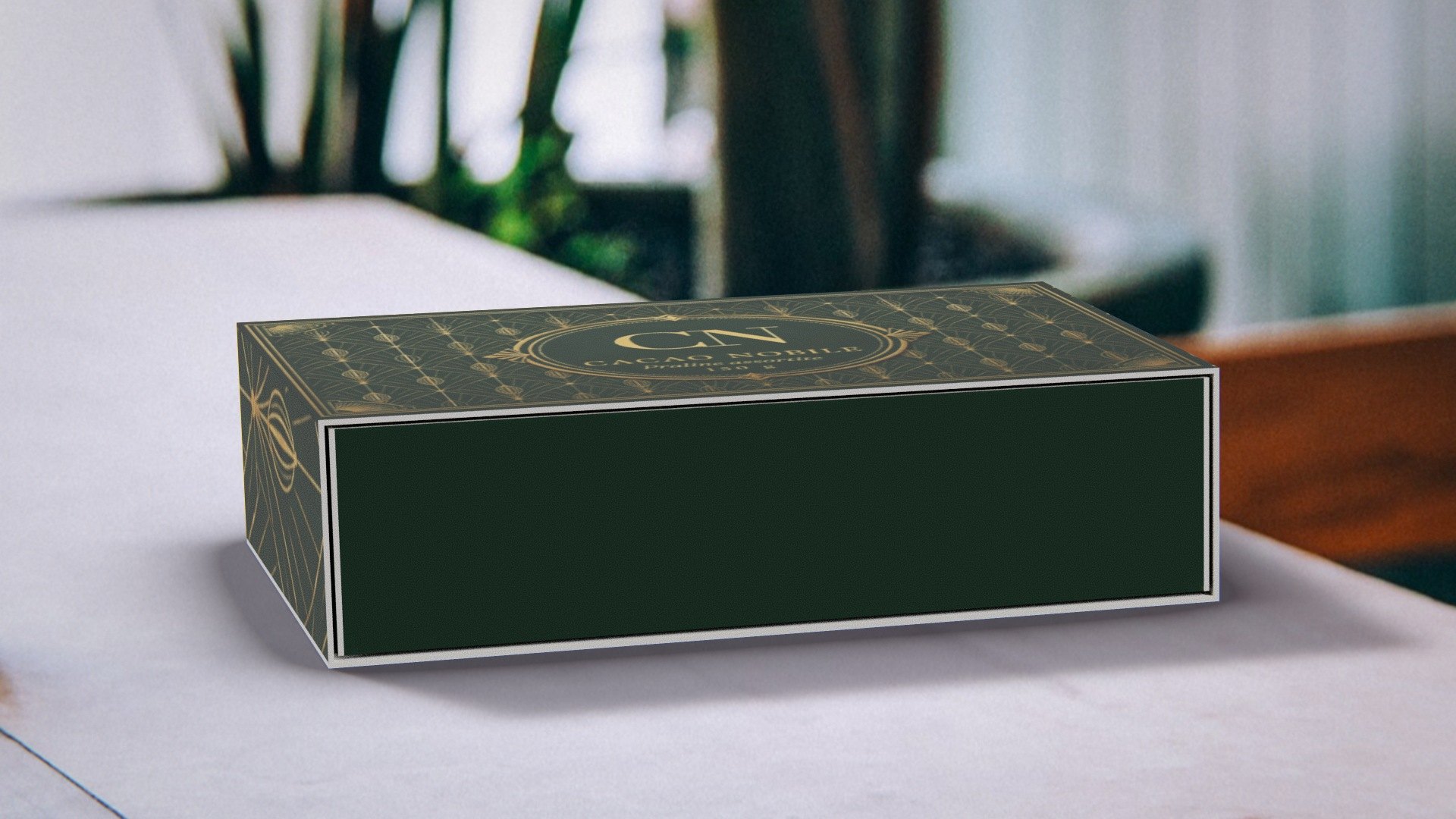
Upload a single wraparound file or one artwork per face. Then take the other variants from your library and line them up side by side.
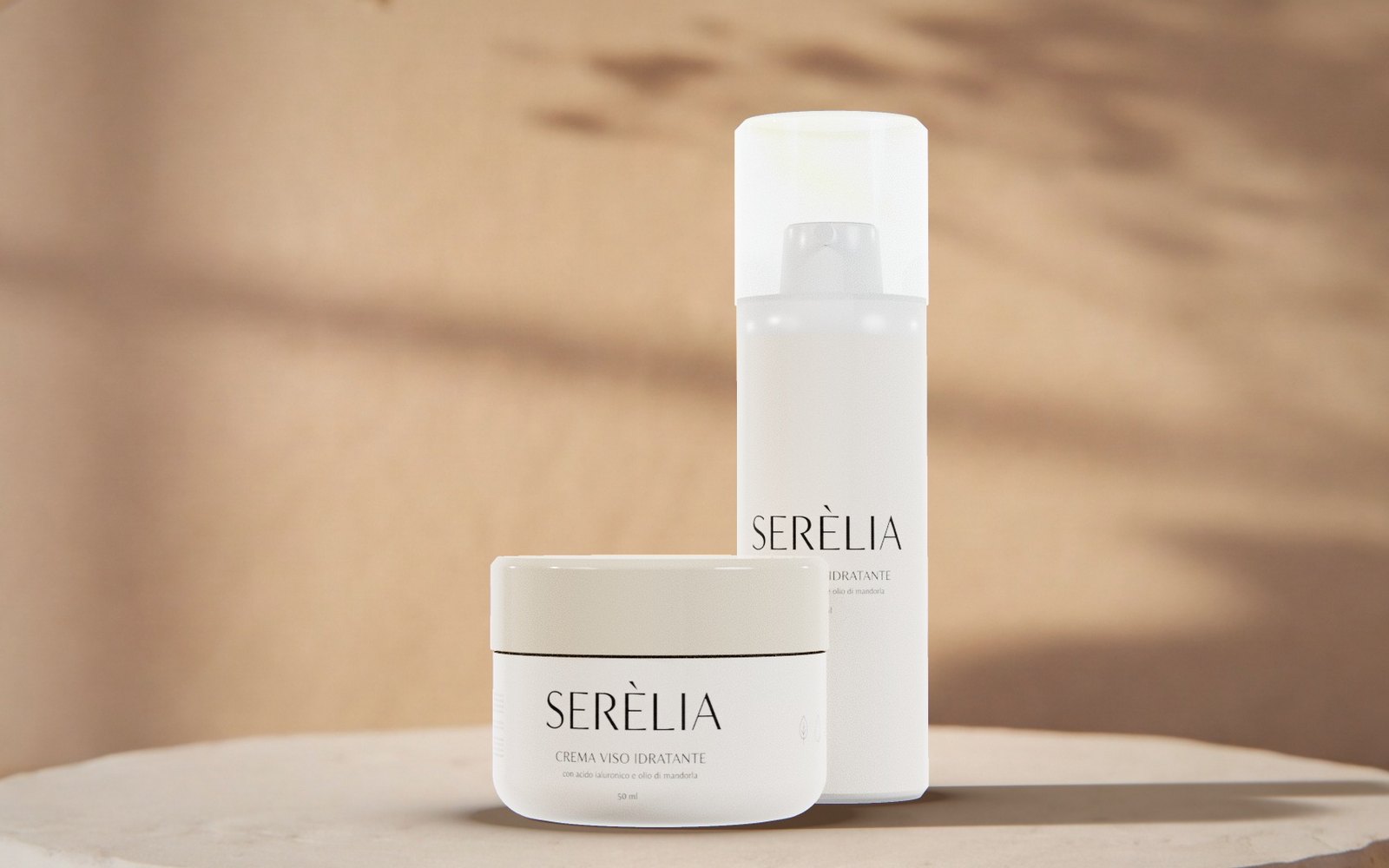
4 Shipper and display
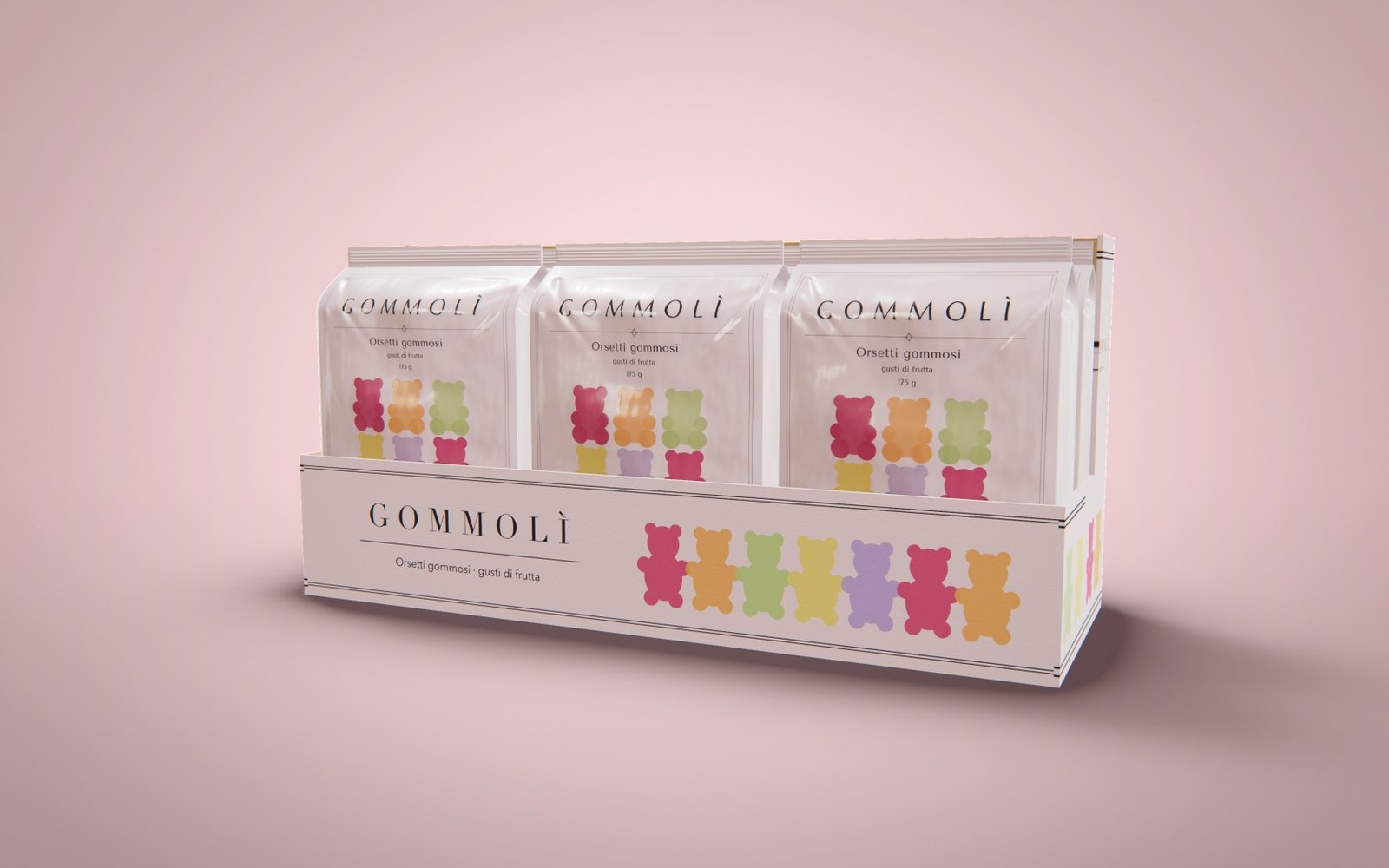
Fourteen shippers and twelve displays, picked straight from the Home page and filled automatically with your pack.
5 Pallet
Build the pallet with products, shippers and trays, then let the app fit it to the contents.
+ Scene
Real photos of tables, shelves and shops, with the pack's light and shadows matched to each photo; colour backdrops in any colour; or a supermarket shelf.
From the bar at the bottom of every configurator, choose what you need: you get exactly what you see.
HD, 2K or 4K (3840 × 3840 px), with the print resolution in dpi written into the file.
Light is simulated as in a real photograph (path tracing): true reflections and soft shadows.
The pack turning for 6 seconds, also seen from above, in the format you choose.
The angles you choose on white or transparent, with or without a shadow, and shots in social media formats.
Dimensions in centimetres, with artwork and materials: .glb for 3D software and websites, .usdz for augmented reality on iPhone and iPad.
A file your client opens with a double click: they turn and zoom the pack without installing anything.
With a subscription, downloads are unlimited. No credits, no quotas: every photo, video and model you need.
Your work saves automatically, in the cloud. From the Home page you pick up what's in progress, search the library or reopen an earlier version.
Packs, shippers, displays, pallets and your .glb files, by category. Search by name and pick several at once.
A copy every 10 minutes while you work, the last 12 kept: reopen whichever you want.
What you were working on sits at the top of the Home page: one click and you carry on where you left off.
Library and work tied to your account, on every computer. With the Business plan the library is shared with your colleagues.
The first time, a quick guide walks you through step by step; in every configurator the 💡 shows you how it's done.
On a smartphone the app adapts to the screen. For comfortable creating, a tablet or computer is best.
A physical prototype or a photo set has to be redone with every change. A 3D model is simply updated and exported again.
Change the artwork, format or finish and export again straight away. No samples to wait for, no set to rebuild.
Every shape is built from its real dimensions. Shippers and pallets use the actual footprint of the products, and the .glb model keeps those dimensions.
The artwork is applied to the model exactly as you upload it: text, logos and barcodes stay exactly as they are in the file.
| Aspect | Photo shoot or prototype | PackForge3D |
|---|---|---|
| A change to the artwork | New sample and new shot | Upload the updated file and export again |
| Product not yet manufactured | A physical mock-up is needed | All you need are the dimensions |
| The whole product line | A sample for every variant | The variants from your library, in a single image |
| Displays and pallets | Real set-up, space and time | Configured in Shipper, Display and Pallet |
| Views and angles | One shot for each view | Orthographic views, 3/4 and custom angles |
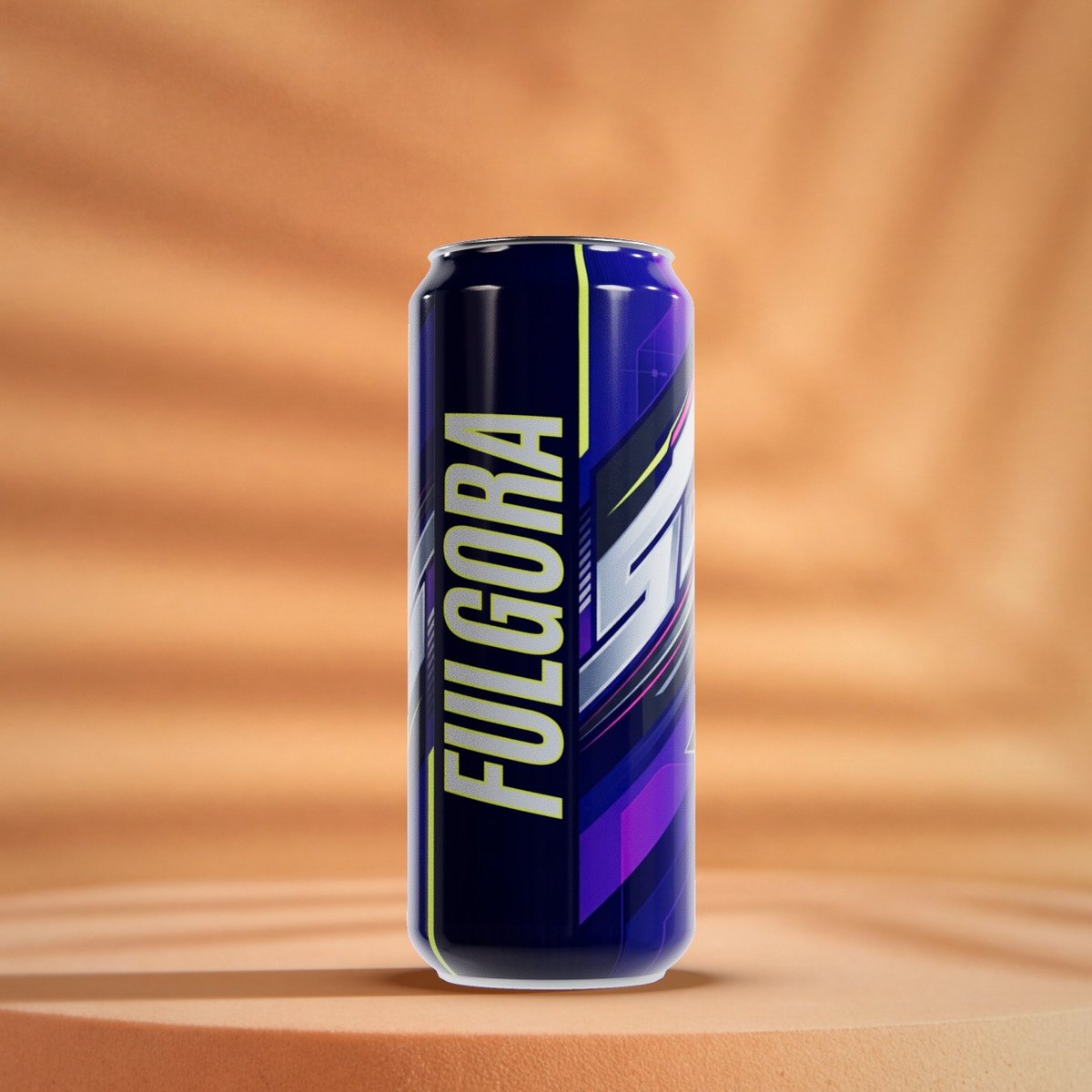
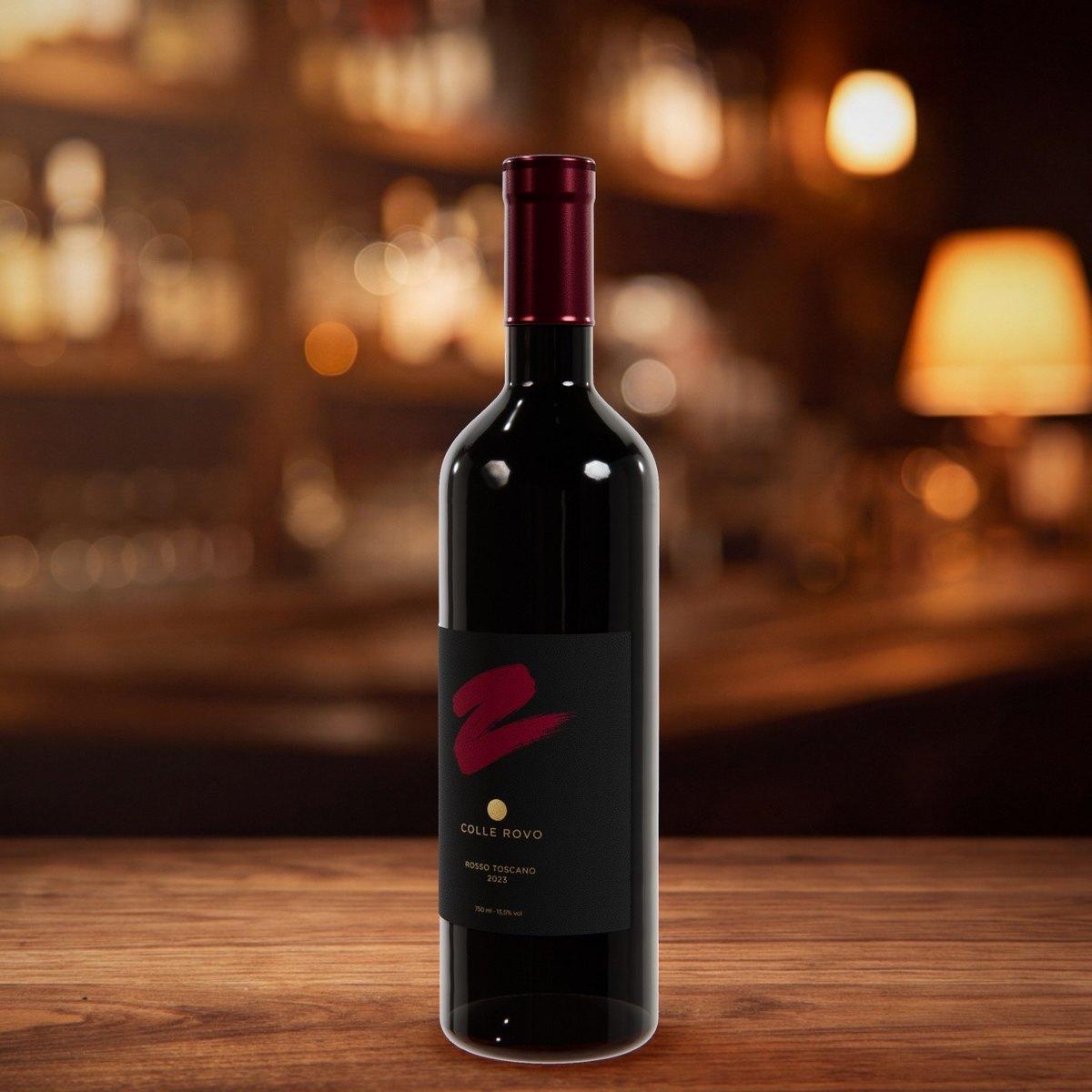
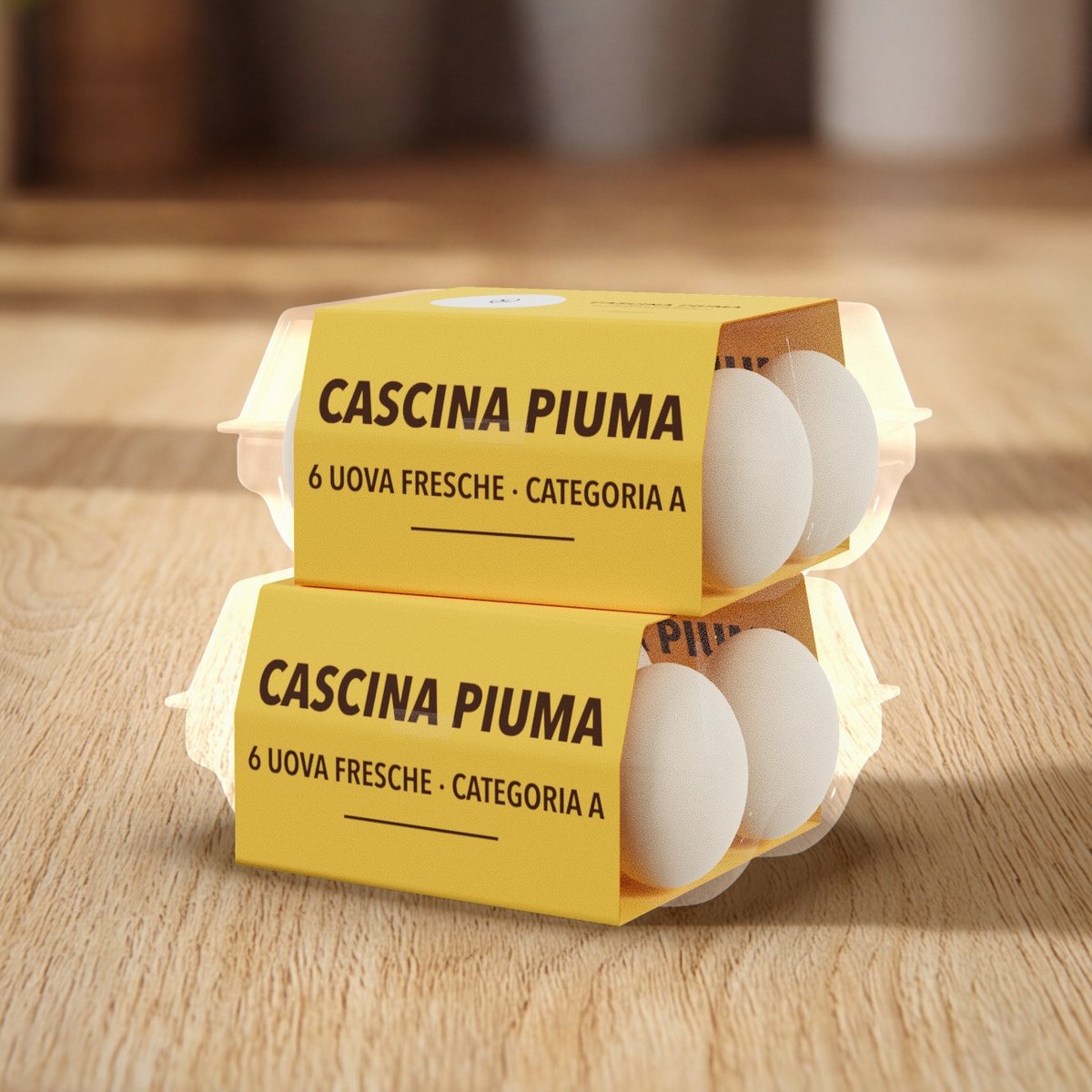
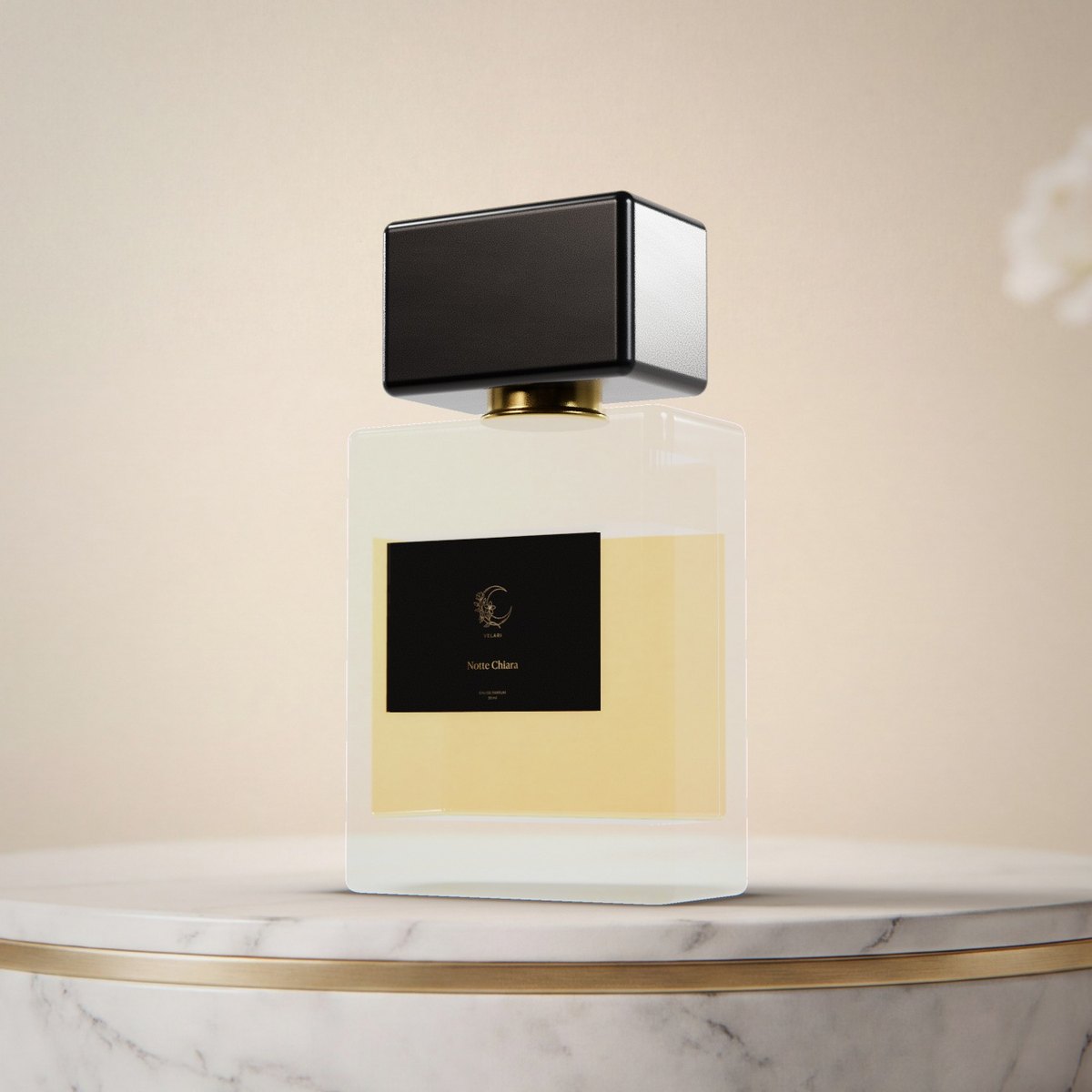
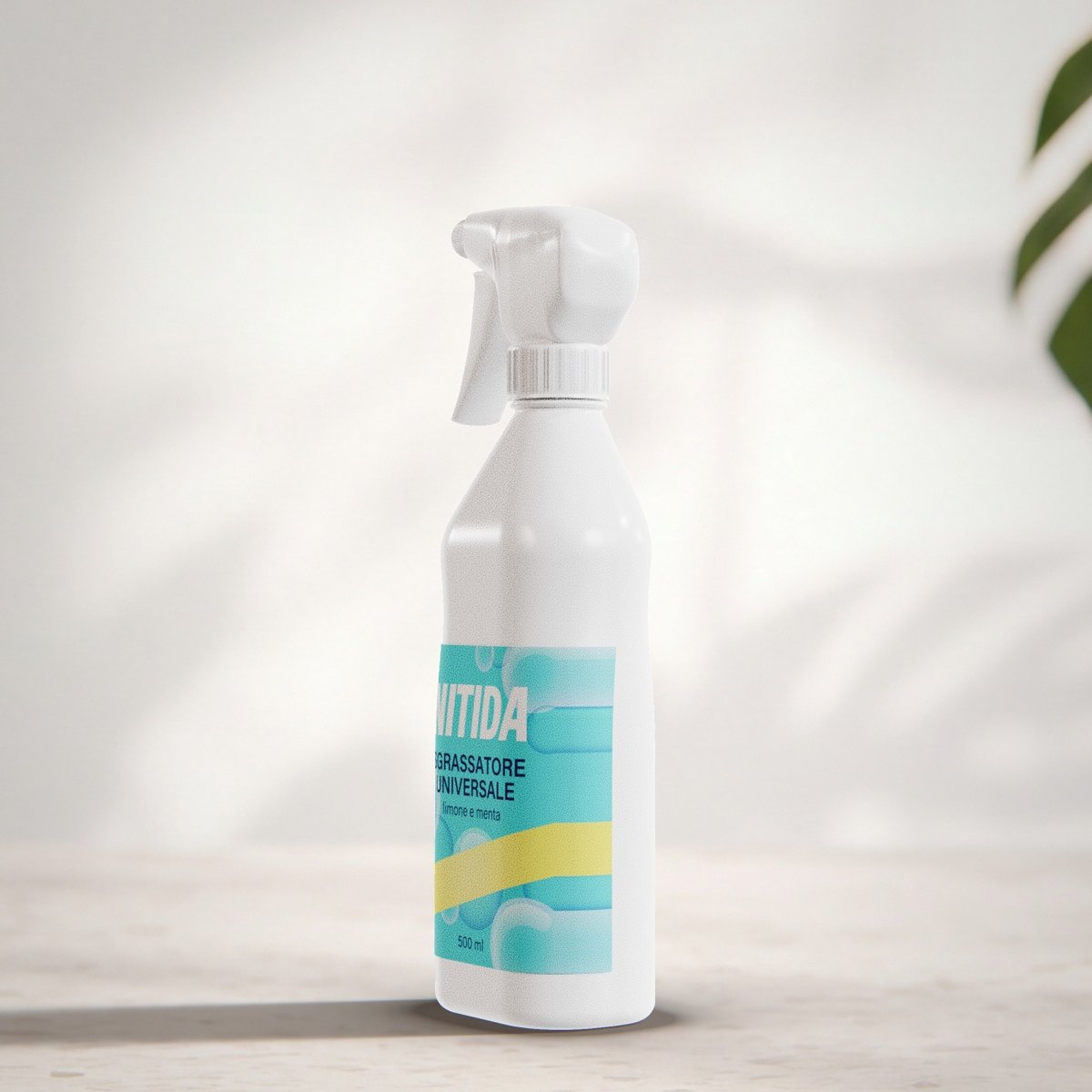
Every image is shot in the app: pack, light and shadows are computed in 3D. The brands are fictional.

Create an account and try every configurator for 7 days, no credit card required. After that, choose a monthly or yearly plan: you can cancel it in one click.